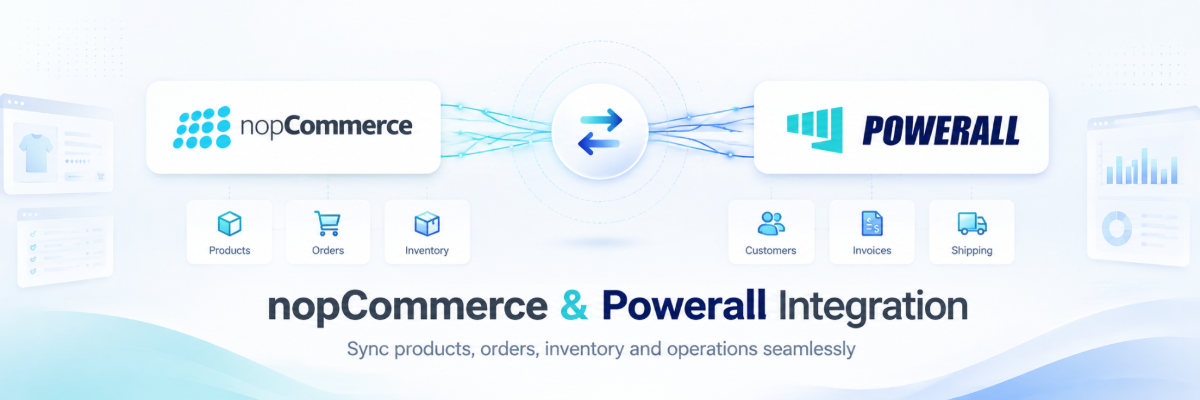
A custom two-plugin integration layer that connects nopCommerce to Powerall, the Dutch all-in-one business platform that brings workshop, warehouse, planning, administration and sales together in one system for more than 6,000 users. Built for On-Site BV, a Rotterdam-based nopCommerce solution partner specialized in complex B2B commerce, the integration lets their clients run a nopCommerce storefront on top of Powerall as the single source of truth — without anyone maintaining the catalog twice.
The Challenge
Powerall owns the product data, and it owns it in ERP shape: group property files, technical properties, variants and country records that were never modelled for a webshop. A generic import would either flatten all of that into unusable text fields, or force a developer to hand-code a mapping for every new product group. On-Site needed something their consultants could configure per client, not a one-off script.
A Two-Plugin Architecture
We split the work along a clean seam, so each side can evolve and be deployed on its own:
- Nop.Plugin.Misc.Powerall.Import — the mapping and data-shaping layer that turns Powerall exports into a proper nopCommerce catalog
- Nop.Plugin.Misc.Powerall.Integration — the live connection that keeps both systems in step and pushes orders back
Both follow standard nopCommerce plugin architecture — domain entities with their own data layer and migrations, services, model factories, view components and admin views — so nothing leaks into core and upgrades stay routine.
Powerall.Import: Behaviour-Driven Mapping
Instead of a fixed field map, the import plugin is built around configurable Import Behaviours: reusable rules that describe how a piece of Powerall data should land in nopCommerce.
- Product Property Behaviours decide, per property, whether a Powerall value becomes a specification attribute, a product attribute driving variants, or plain product content
- Category metadata is derived from the group properties file, so category structure and SEO metadata come out of the ERP data rather than being retyped by hand
- Specifications and variants are mapped together, keeping technical data filterable on the catalog page and purchasable combinations correct on the product page
- A dedicated Behaviours menu in the admin presents the rules as cards, so a consultant — not a developer — configures the mapping
- Data is validated before the import runs, and every setting ships with localized string resources and inline descriptions
Powerall.Integration: Keeping Both Systems in Step
- Initial sync to bring a fresh store fully in line with Powerall in one pass
- Scheduled sync task with filter logic, so recurring runs only touch the products that actually qualify instead of walking the whole catalog
- Event-driven sync hooked into nopCommerce events, for changes that cannot wait for the next scheduled run
- Order sync back to Powerall, including a manual sync button in the admin for individual orders that need a nudge
- Country mapping between Powerall country records and nopCommerce countries, with defensive handling of incomplete ERP data
- A full uninstall path that removes settings, schema and tasks cleanly — important for an integration rolled out across multiple client stores
Admin Experience & Observability
Both plugins add their own menu entries and configuration screens to the nopCommerce admin. The integration writes a detailed sync log with dedicated log views, so when an order or product does not appear where it should, the answer is one click away instead of a support ticket and a server session.
Technical Foundation
Built for nopCommerce 4.80 on ASP.NET Core, packaged as two independent plugins with their own settings, defaults, migrations and localization. The result is reusable: On-Site can deploy the same integration for any client running Powerall, and configure it per store through the admin instead of forking the code.
The Result
A production integration that gives On-Site BV a repeatable answer to “can you connect our webshop to Powerall?” — ERP-owned product data arriving as a properly structured, filterable nopCommerce catalog, orders flowing back automatically, and the whole mapping configurable by a consultant rather than rebuilt in code for every rollout.